 Hotel Lobby AI
01
Two cats, one mic
10 seconds · 720p · Example audio
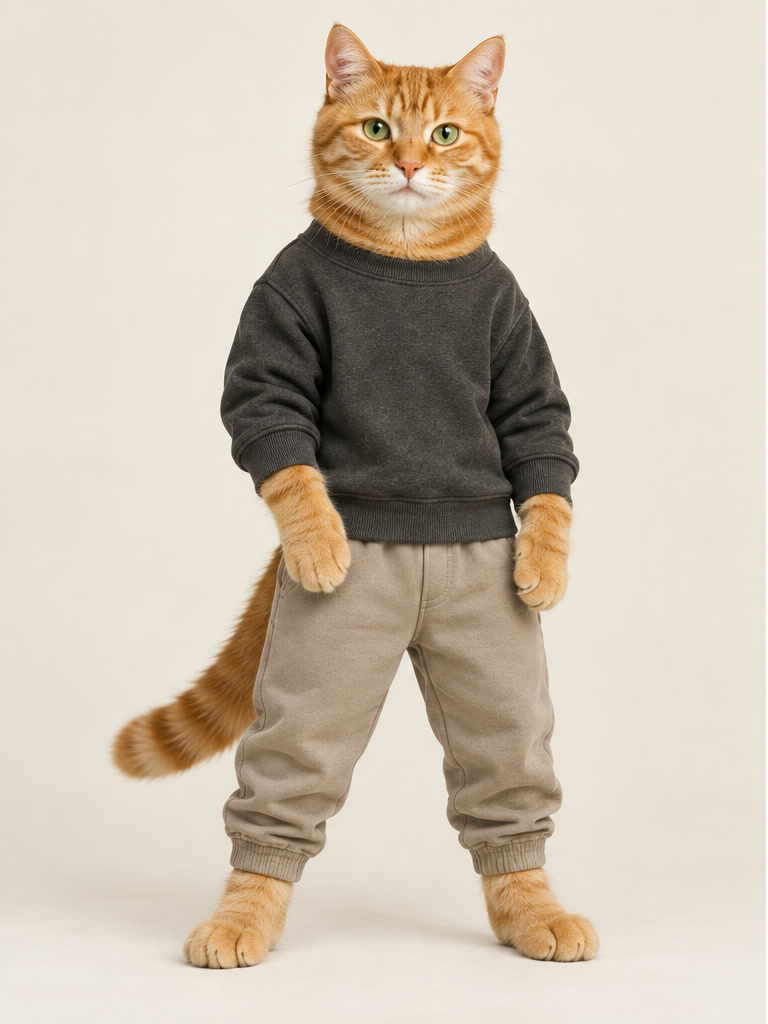
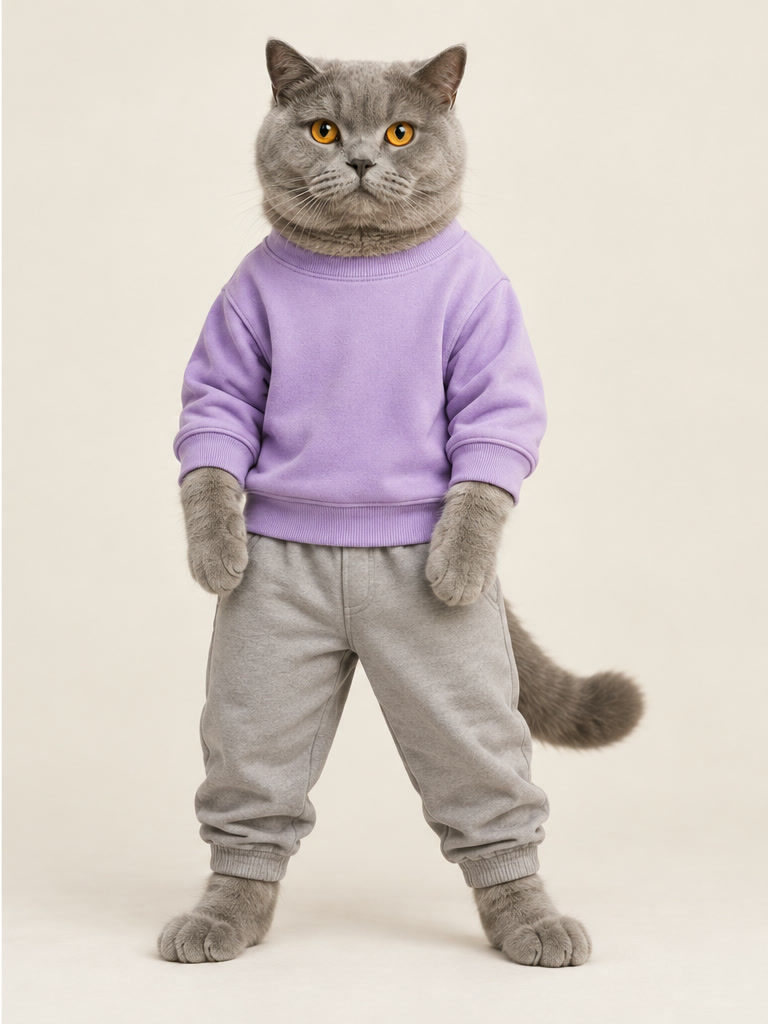
Two cats, two dogs or you and your pet. Start with a clear photo of each subject and build a playful orange-booth duet.
Start with your photos and settings. Sign in only when you are ready to generate.
One well-lit person or pet per photo, facing the camera with the face or muzzle visible. Both dimensions must be at least 240 pixels. Use an original photo rather than a thumbnail.
Checking video options…Soundtrack creates AI audio; it does not use the original song.JPEG, PNG, WebP, HEIC or HEIF up to 20 MB. Photos are converted to JPEG, with a white background for transparency.Compare video costs
Checking your video balance…
One-time payment · No subscription
Uses 17 credits · Deducted upfront, refunded on failure
By creating, you confirm you have permission to use both photos. Terms of Service
Generated with Hotel Lobby AI
Selected AI examples show how two distinct subjects can share a stage. Their audio and settings illustrate the format; your result depends on your photos and the available model.
10 seconds · 720p · Example audio
A selected AI pet example. Check the whole clip; identity, paws and motion can vary. Example audio illustrates the format.
A cat and its owner, two dogs with different coats or two cats from the same home can all make a recognizable pairing. Use one subject in each image. A separate human portrait is easier to interpret than a selfie where a small pet is partly hidden in someone’s arms.
Distinct faces and coat markings help viewers follow each performer. If the pets look alike, choose photographs with a similar angle but different collars or clearly visible markings. The AI can still change small details, so compare both subjects throughout the finished clip.
Photograph your pet at roughly eye level in soft, even light. Keep the eyes, ears and muzzle inside the frame. A sharp waist-up or full-body image can help communicate the animal’s shape, but the face should remain large enough to see. Avoid motion blur, dark fur lost in shadows and hands covering the jaw.
Upload an original JPG, PNG or WebP where both dimensions are at least 240 pixels. A higher-quality source gives more detail than an enlarged thumbnail. The browser prepares the photo before upload; adding more filters does not recover missing facial detail.
Choose a short duration supported by the current model for your first pet duet. A shorter clip needs fewer credits and fewer frames to inspect. Portrait can suit a pet-and-owner pairing; landscape gives two animals more room side by side. Keep the Hotel Lobby stage when you want the orange background and hanging mic.
With sound enabled, the generator produces AI audio rather than the original Hotel Lobby recording. You can also create a silent clip and choose a track later. Check the quote after changing duration, resolution or sound, because these settings affect the credit cost.
Pet anatomy is harder to animate than a static portrait. Watch for changing coat markings, human-like teeth, stretched paws or the two subjects blending together. A completed job is not a promise of perfect anatomy. Clear reference photos and a simple pairing give you a useful basis for deciding whether to try again.
If one animal disappears or the identities mix, return to the original photos. Crop out background animals, keep one visible face per input and avoid another subject overlapping the muzzle. For a technical error or a failed job, keep the task ID and follow the troubleshooting page.
Troubleshoot a pet videoYes. Upload one photo in each position. Distinct poses can make the two performers easier to follow, although the AI may vary their appearance.
The current quote is based on duration, resolution and sound mode. People and pets use the same listed credit tables. Always review the displayed cost.
Choose two photos, review the settings and make a performance that belongs to your duo.
Make a Hotel Lobby AI videoCompare credit packs