 Hotel Lobby AI
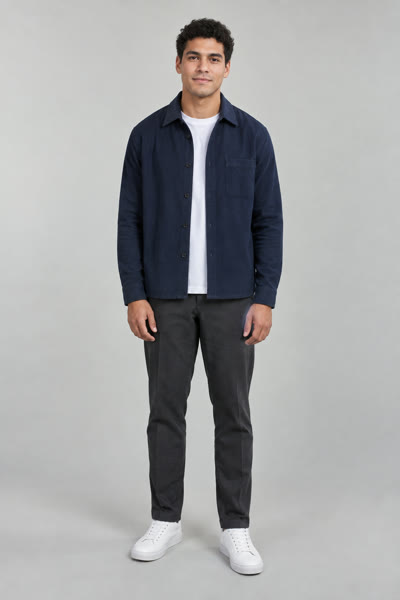
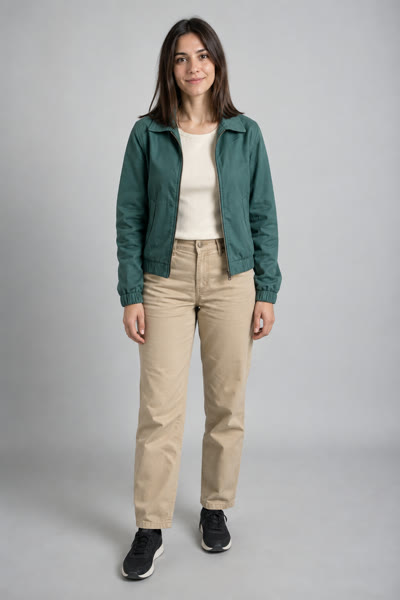
Pick your two stars
Upload a clear portrait of each person. Friends, family, or even your pets.
Turn two clear photos into an orange-booth rap duet with a friend, partner or pet. Choose your format and make a video without filming, prompts or editing.
Hotel Lobby AI is a photo-to-video format inspired by Quavo and Takeoff’s 2022 “HOTEL LOBBY” performance on A COLORS SHOW. Its recognizable ingredients are simple: a saturated orange room, a hanging microphone and two performers sharing the frame. The AI version puts your chosen duo into a newly generated scene.
People also search for the Migos AI trend, AI rap duo or Hotel Lobby AI filter. Here, you create a video rather than apply a live camera effect. The soundtrack option generates AI audio; it does not supply the original song.
Read the Hotel Lobby AI trend guideA 10-second, 720p video with AI sound uses 17 credits at the current listed rate. One-time purchases include a 17-credit option for $4.99 and a 35-credit Test Pack for $9.90. Purchased pack credits are valid for 365 days. Monthly and yearly subscriptions provide a monthly credit allowance.
The quote changes with duration, resolution and audio mode. Credits are deducted when a job starts and returned if generation fails. Any signup reward appears in your account balance when offered; the example gallery is available without a purchase.
See the video credit table and plansNo editing skills needed. Just your favourite two faces.
Upload a clear portrait of each person. Friends, family, or even your pets.
Choose your scene, supported duration, resolution and AI sound or silent video. Review the credit cost before starting.
Watch the entire result, check both faces and download your finished clip from your video history.
Add two photos below. Your video settings and credit cost stay in view.
Start with your photos and settings. Sign in only when you are ready to generate.
One well-lit person or pet per photo, facing the camera with the face or muzzle visible. Both dimensions must be at least 240 pixels. Use an original photo rather than a thumbnail.
Checking video options…Soundtrack creates AI audio; it does not use the original song.JPEG, PNG, WebP, HEIC or HEIF up to 20 MB. Photos are converted to JPEG, with a white background for transparency.Compare video costs
Checking your video balance…
One-time payment · No subscription
Uses 17 credits · Deducted upfront, refunded on failure
Simple choices that make the final video feel like yours.
Generate AI audio or make a silent clip for a later edit. The original Hotel Lobby recording is not included.
Choose portrait 9:16 for a phone feed or landscape 16:9 for a wider two-person frame.
Find task status and finished downloads in your account. See the privacy policy for how uploads and results are processed.
Give purchased credits to someone so they can create their own duo video.
Helpful guides for your first video and everything after.
A practical walkthrough, from choosing portraits to downloading your result.
Read the guide →Photo tips and a dedicated generator for your four-legged stars.
Read the guide →Answers for photo quality, soundtrack settings and generation issues.
Read the guide →A few useful things before you hit generate.
Use clear, well-lit portraits with one visible face in each photo. Choose photos you have permission to use.
A 10-second 720p video with AI sound uses 17 credits at the listed rate. Other settings change the quote. One-time packs and subscriptions are available; failed jobs return their charged credits.
Yes. Enable sound for AI-generated audio or turn it off for a silent clip. This option does not include the original Hotel Lobby song.
Yes. Use two clear pet photos, or pair a pet with a person. Choose images with visible eyes and muzzles, then check both subjects throughout the result.
Sign in to the same account and open your video history in the generator. Finished videos include a download link so you can save and share them.
Two portraits and an idea are all you need to get started.
Make a videoView pricing